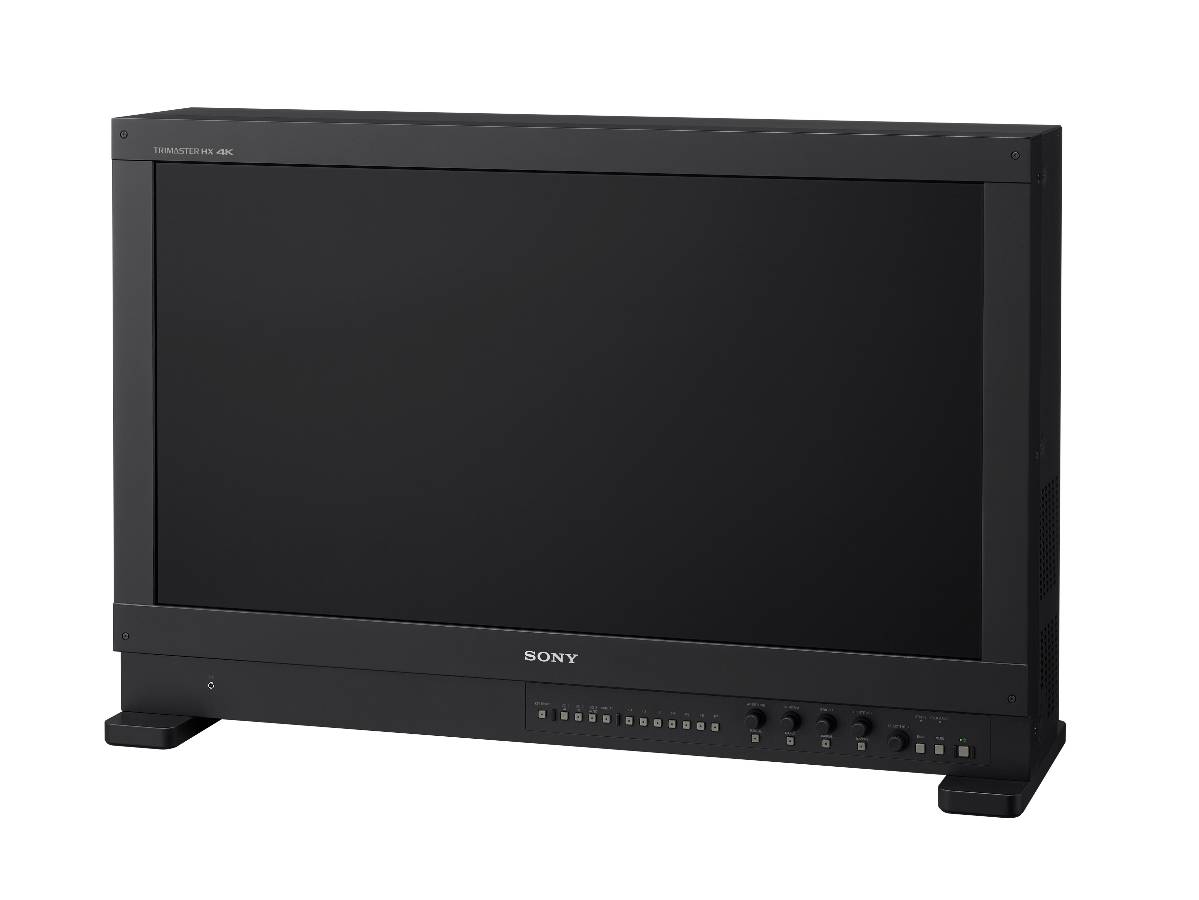
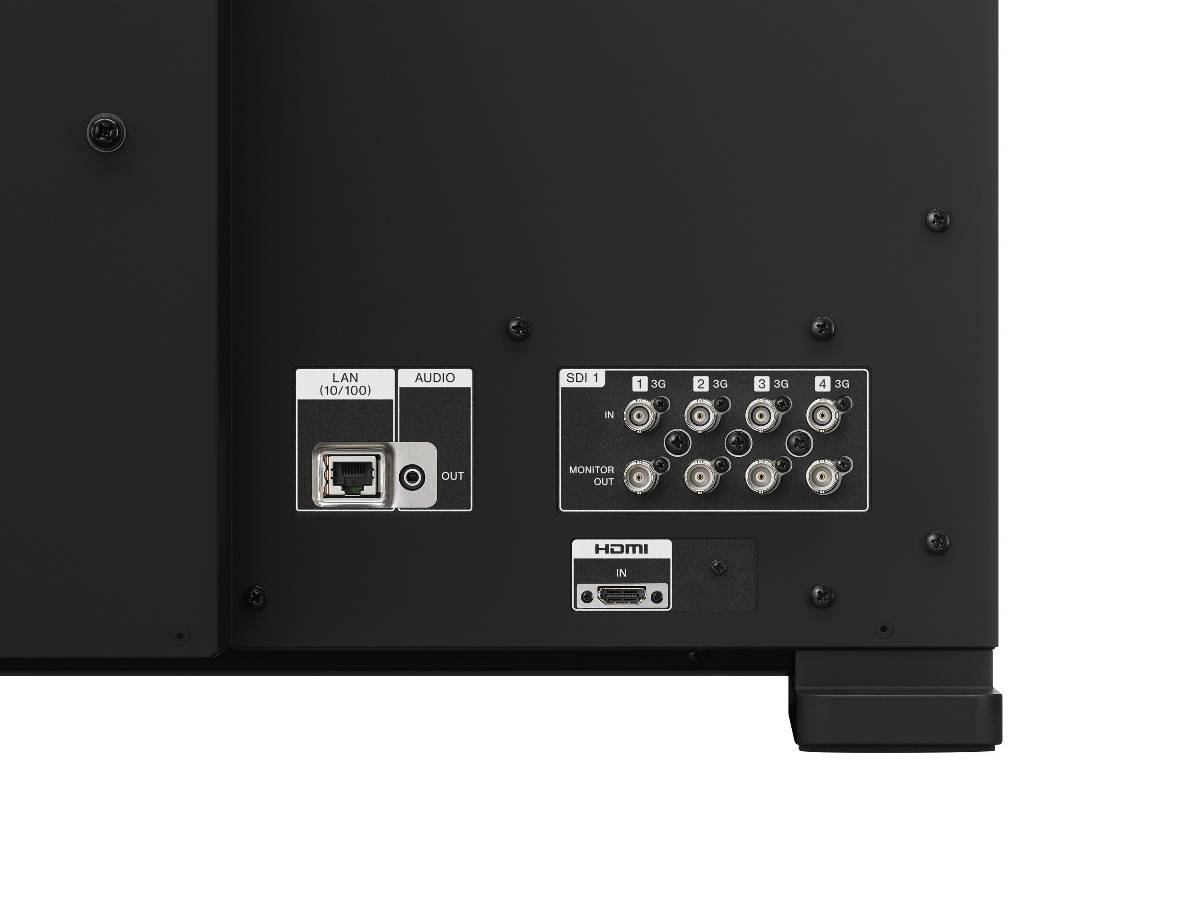
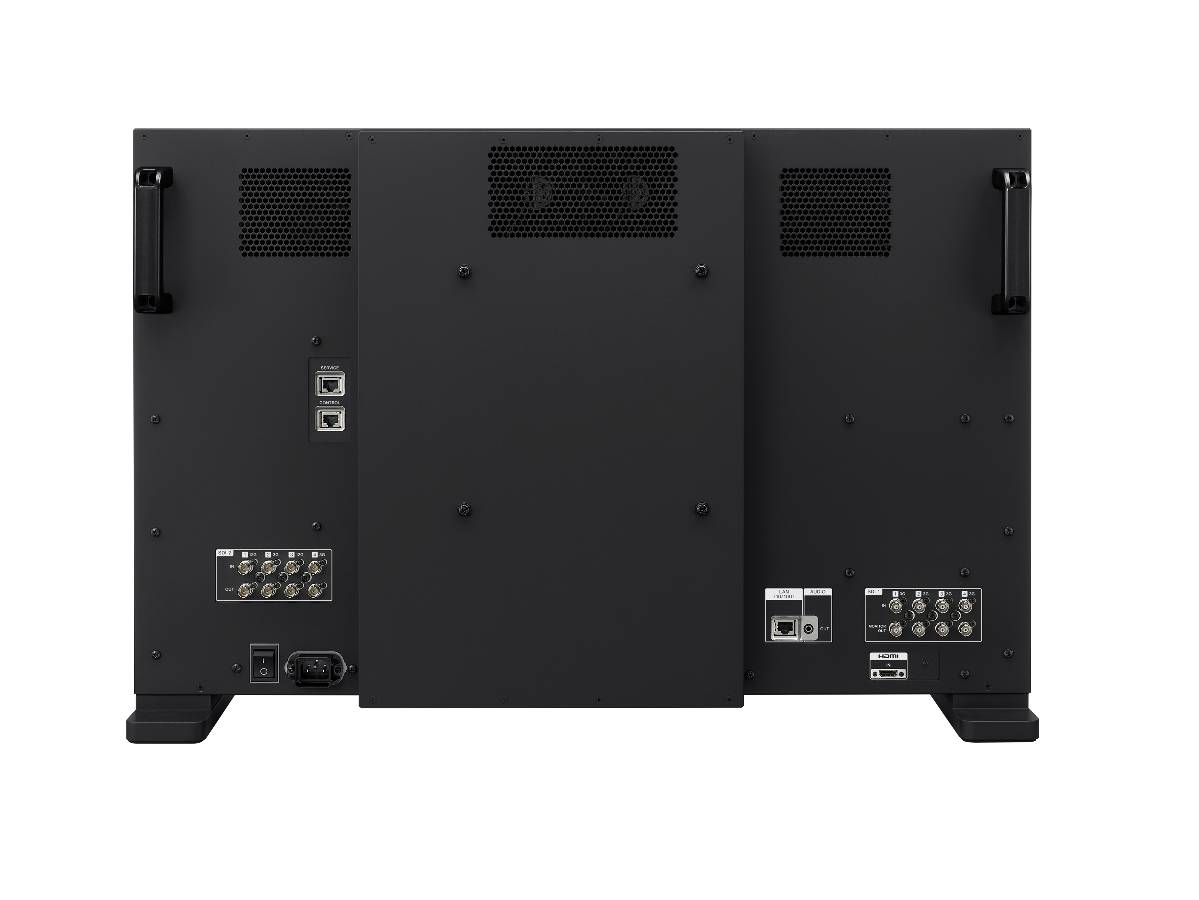
Offering unrivalled 4K HDR picture quality, accuracy and consistency, it’s ideal for demanding on-set, studio and post-production applications including 4K digital cinematography.
It’s the 4K HDR monitor professional colourists have been waiting for. An optimal choice for critical colour grading and CG tasks, the BVM-HX310 offers support for industry‑leading wide colour gamuts including DCI‑P3, ITU‑R BT.2020, S‑Gamut3.cine and S‑Gamut3. With consistent, faithful colour reproduction over the entire luminance range, it’s an ideal partner for cinematography production and post production workflow with Sony’s 4K cinematography cameras.
Note: BVM‑HX310 does not cover the ITU-R BT.2020, S-Gamut/S-Gamut3 and S-Gamut3.cine colour space in full.
Ready for HDR
Fully realising the advanced performance of the TRIMASTER HX panel, the BVM-HX310 achieves 1,000 nits* of full-screen brightness with 1,000,000:1 contrast ratio. It’s ideal for producing High Dynamic Range (HDR) content with rich, deep black areas and accurate reproduction of bright peak highlights. Together with support for a much wider colour gamut than conventional monitors, the BVM-HX310 can reproduce high-resolution HDR images with images clarity, depth and realism.
Make no mistake
Support for VPID (Video Payload ID) identifies EOTF, colour space and RGB source information embedded in the SDI signal. Monitor settings are adjusted automatically, cutting the risk of human error in pressured live production environments.
You’re always in control
Anyone who’s used the BVM‑X300 master monitor will feel instantly at home with the familiar front control panel of the BVM-HX310. Seven user assignable function buttons are complemented by manual controls for aperture, chroma, brightness, and contrast. Usability is enhanced further with dimmable button lights and on/off switchable indicator lights.
Area aspect ratio markers
The BVM-HX310 can display various markers, including an aspect marker, safe area marker, and centre marker. In addition to this flexible selection of marker types, detailed display settings of each marker are offered. For example, the colour, brightness, horizontal/vertical position, and width of aspect markers can all be controlled, while the height and width of safe area markers can be adjusted.